
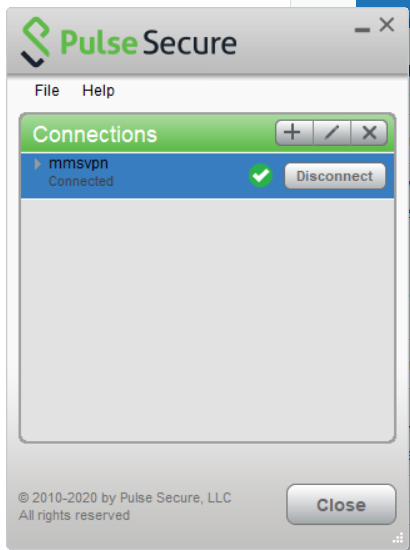
- Connect to the VPN
- Press Ctrl + Alt + Delete
- Select "Change Password"
![Computer stuck on CTRL ALT DELETE screen [FIX]](https://cdn.windowsreport.com/wp-content/uploads/2018/02/ctrl-alt-delete-screen-1.png)
- After changing password select "Ctrl + Alt = Del" again and lock the computer
- Unlock using your new password. If it doesn't take your new password you are not connected to pulse secure
- Close and re-open Outlook
Change Password laptop "Remote"
Have more questions? Submit a request
Please sign in to leave a comment.
0 Comments